Extractor Fan Failure Diagnostic Tool
What's happening?
Describe your fan's behavior:
Step 1: Check Power Supply
Is the fan getting power?
Step 2: Inspect for Buildup
Do you see visible dust, grease, or debris around the blades and motor?
Step 3: Capacitor Test
Enter the capacitor value (μF) from your fan:
Note: Found on the capacitor itself (small cylindrical component)
Recommended Action
Your fan is likely experiencing a common issue. Follow these steps to fix it.
If your extractor fan suddenly went quiet-no hum, no spin, just silence-you’re not alone. These fans don’t come with warning signs. One minute they’re pulling out steam and smells, the next they’re dead as a battery-powered toy. It’s frustrating, especially when you’re trying to cook or shower without turning your home into a sauna. The good news? Most of the time, it’s not a full replacement job. You can fix it yourself in under an hour with basic tools and a little patience.
Check the power first
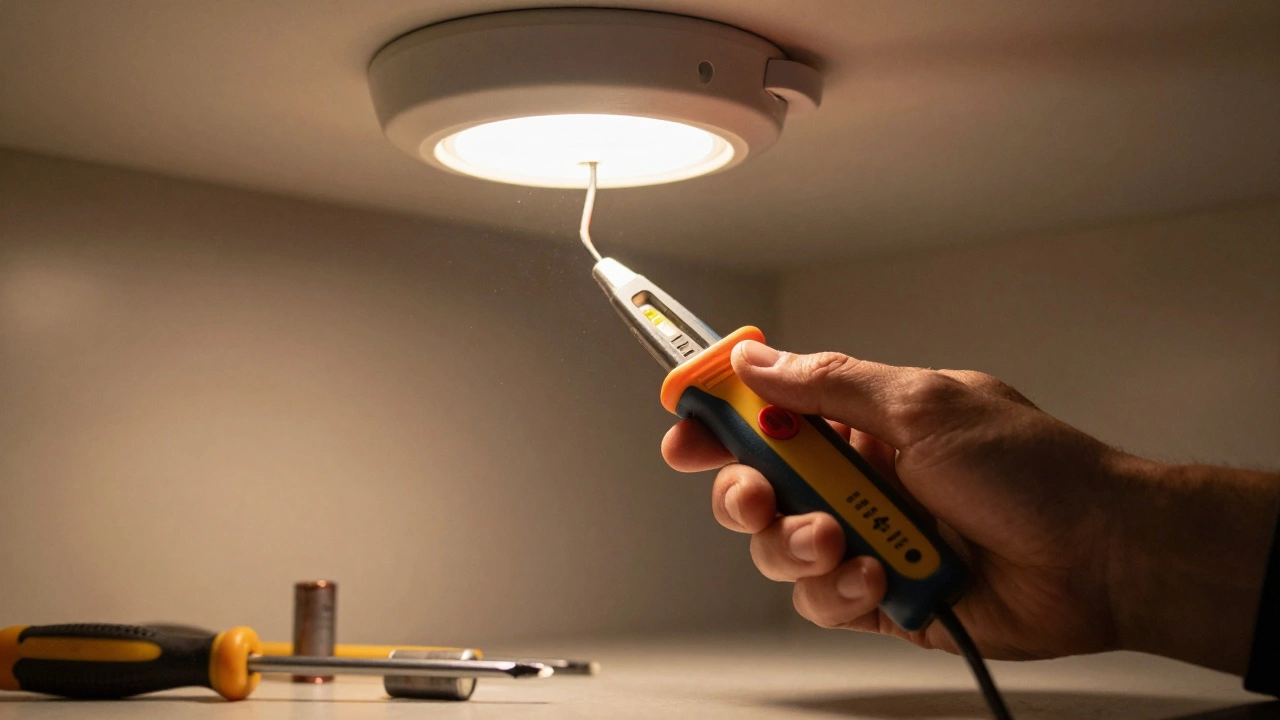
Before you take the fan apart, make sure it’s actually getting electricity. Sounds obvious, but people skip this step all the time. Start at the switch. Flip it on and off a few times. If it’s a pull cord, tug it firmly. Sometimes the internal contacts get stuck. If the fan still doesn’t respond, check the circuit breaker. Go to your fuse box and look for a tripped switch labeled "bathroom," "kitchen," or "extractor." Reset it if needed. If the breaker trips again right away, there’s a short circuit-stop here and call an electrician.Next, test the outlet or hardwired connection. If your fan plugs into a wall socket (some do), plug in a lamp or phone charger to confirm the outlet works. If it’s hardwired, you’ll need a non-contact voltage tester. Turn off the power at the breaker, remove the fan cover, and touch the tester to the wires leading into the fan. If it beeps, power is reaching the unit. If not, the problem is in the wiring between the switch and the fan.
Clean the blades and motor housing
Dust, grease, and hair build up fast in extractor fans, especially in kitchens and bathrooms. Over time, that gunk sticks to the blades and gums up the motor bearings. The motor tries to spin but can’t overcome the friction. It overheats, shuts down, and won’t restart until it cools.Turn off the power. Remove the fan cover by unscrewing the clips or screws holding it in place. You’ll usually find a plastic or metal grille. Take it off and inspect the blades. If they’re coated in yellowish grease or gray dust, that’s your culprit. Use a soft brush or an old toothbrush dipped in warm soapy water to scrub them clean. For greasy kitchen fans, spray a little degreaser (like Simple Green or diluted dish soap) and let it sit for five minutes before wiping. Don’t use harsh chemicals-they can crack plastic.
While you’re in there, check the motor housing. If you see a thick layer of dust packed around the motor shaft, use compressed air to blow it out. You can buy a can of compressed air at any hardware store for under $5. Blow short bursts-don’t hold the can upside down or it’ll spray liquid. After cleaning, let everything dry completely before reassembling.
Test the capacitor
Many extractor fans use a small capacitor to help the motor start. If that capacitor fails, the fan won’t spin-even if the motor is fine. It’s a common failure point in older models. The capacitor looks like a tiny silver or black cylinder, usually wired to the motor terminals. It’s not hard to test, but you need a multimeter.First, disconnect power and wait five minutes. Capacitors store electricity even when unplugged. Discharge it by touching the metal leads with an insulated screwdriver. Then set your multimeter to capacitance mode (often marked with a “μF” symbol). Remove the capacitor by unscrewing or unplugging it. Touch the meter probes to the two terminals. If it reads close to the value printed on the capacitor (like 2.5μF or 4μF), it’s good. If it reads zero, or way off, it’s bad.
Replace it with an exact match. Take the old one to a hardware store or order online using the model number. Capacitors are cheap-under $10. Reconnect it the same way you removed it. Polarity doesn’t matter in these small AC capacitors, but double-check the wire colors if you’re unsure.
Inspect the motor
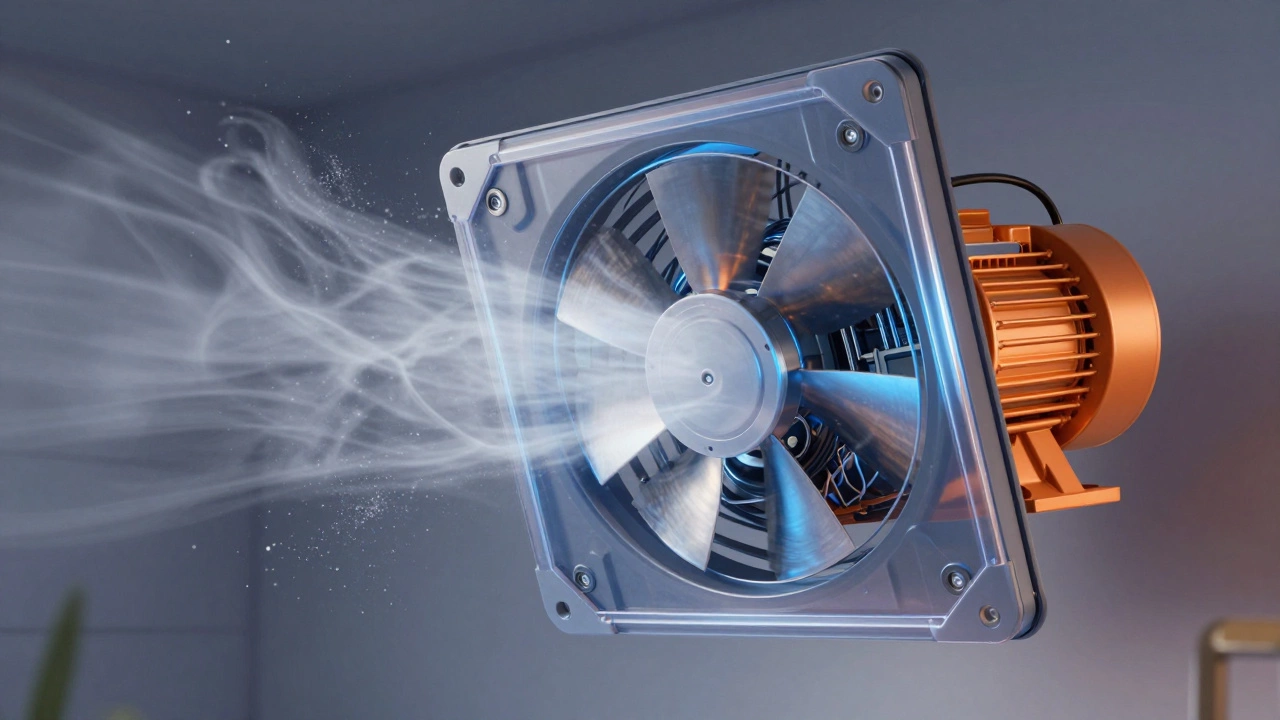
If the fan still won’t turn after cleaning and replacing the capacitor, the motor itself might be fried. Listen closely when you turn the power on. Do you hear a faint buzz? That’s the motor trying to start but stuck. Try spinning the blades gently by hand. If they turn freely, the motor is likely dead. If they’re stiff or grind, the bearings are seized.Some motors have grease ports you can lubricate with a few drops of lightweight oil (like 3-in-1 or sewing machine oil). But most modern extractor fan motors are sealed. You can’t service them. If the motor doesn’t respond to cleaning, capacitor replacement, and manual spinning, it’s time to replace the whole unit. Motors rarely fail suddenly unless they’ve been overheating for months from poor ventilation.
Check the timer or humidity sensor
Many newer extractor fans come with built-in timers or humidity sensors. These can fail independently of the motor. A faulty timer might keep the fan off even when you flip the switch. A broken humidity sensor might think the air is dry when it’s not.To test this, bypass the control. Most fans have a manual override switch or a way to disconnect the sensor. Look for a small wire labeled "HUM" or "TIMER" near the motor. Disconnect it and connect the live and neutral wires directly (make sure the power is off first). If the fan runs now, the timer or sensor is broken. You can replace just that part-often sold as a separate module-for less than $20. Or, if you don’t need the auto feature, leave it disconnected and use the manual switch.
When to replace the whole fan
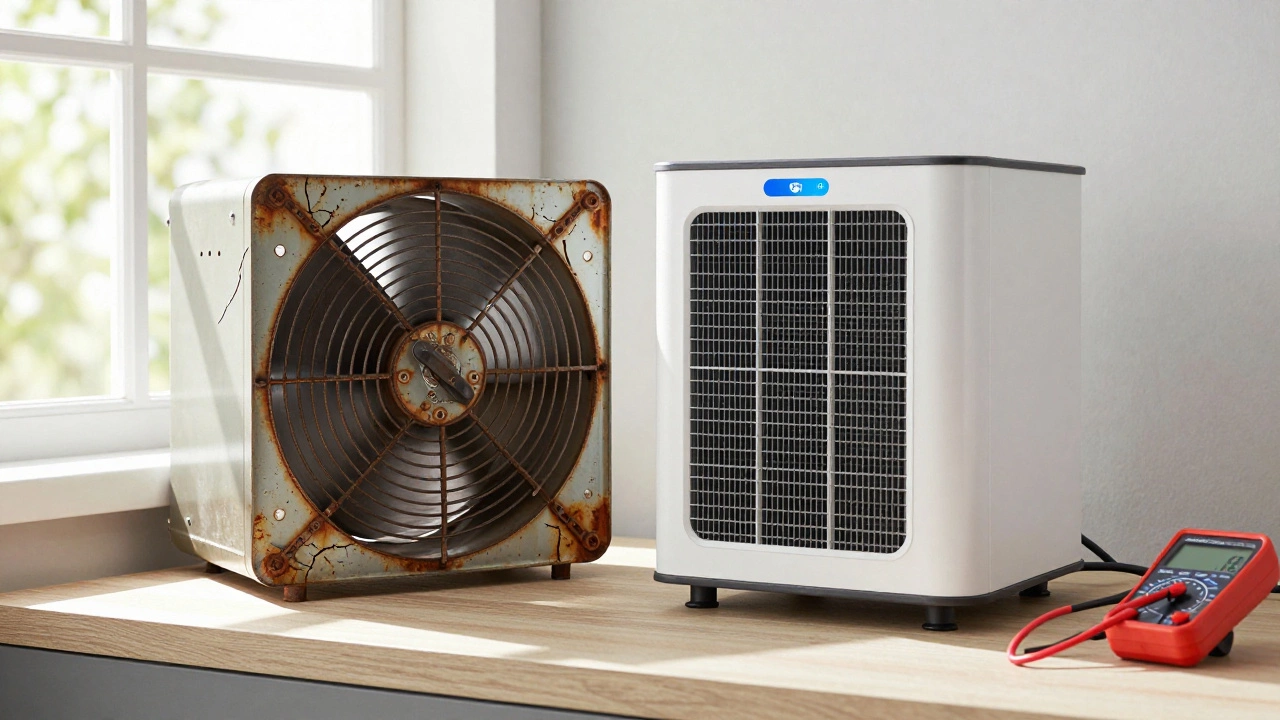
You don’t have to replace the fan every time it stops. But if any of these apply, it’s smarter to upgrade:- The fan is over 10 years old
- The housing is cracked or rusted
- You’ve replaced the capacitor and cleaned it twice and it still fails
- The noise has gotten louder over time, even after cleaning
- The ducting is clogged or crushed (check the vent outside)
New extractor fans are quieter, more energy-efficient, and often come with better warranties. Look for models with a low sone rating (under 1.0 sone for bathrooms) and a CFM rating that matches your room size. For a standard bathroom (50-70 sq ft), 50-70 CFM is enough. For kitchens, aim for 100-150 CFM. Brands like Vent-A-Hood, Broan, and Panasonic have reliable models under $100.
Prevent future failures
Once you get it working, don’t let it die again. Here’s how to keep your fan running for years:- Every six months, wipe down the blades and grille with a damp cloth
- Check the outside vent cap-make sure it opens freely and isn’t blocked by leaves or bird nests
- Don’t run the fan continuously for hours unless it’s rated for it
- If you cook greasy food often, install a grease filter (most kitchen fans have slots for them)
- Replace the fan if you notice a burning smell or see smoke
Most extractor fan failures aren’t mysterious. They’re the result of neglect. Clean it regularly, check the power, and replace the capacitor when needed, and you’ll avoid a costly service call. And if you’re ever unsure-take a photo of the wiring and the model number. Hardware store staff can usually help you match parts without needing to bring the whole unit in.
Why does my extractor fan turn on but not spin?
If the fan makes a humming noise but the blades don’t turn, the motor is trying to start but can’t overcome resistance. This is usually caused by dust buildup on the blades or seized bearings. Clean the fan thoroughly. If that doesn’t help, the capacitor may be dead. Replace it with a matching model. If the motor still doesn’t spin after that, the motor itself has failed.
Can I use any capacitor to replace the old one?
No. Capacitors are rated by capacitance (measured in microfarads, μF) and voltage (like 250V or 450V). Using the wrong one can damage the motor or cause it to overheat. Always match the μF value exactly and use a capacitor with equal or higher voltage rating. Write down the numbers on the old capacitor before removing it.
Is it safe to clean a fan while it’s still plugged in?
Never. Even if the switch is off, the fan might still be live if it’s hardwired. Always turn off the power at the circuit breaker before removing the cover or touching any wires. Use a non-contact voltage tester to confirm there’s no electricity flowing before you start.
My fan works after cleaning but stops again in a week. Why?
If the fan keeps failing after cleaning, the issue is likely recurring buildup or a deeper problem. Check the ducting-kinks or blockages force the motor to work harder, causing overheating. Also, make sure the vent outside opens properly. If the fan is in a steamy bathroom without a timer, running it too long can wear out the motor. Install a timer switch to limit runtime.
Should I replace my old extractor fan with a new one?
If your fan is over 10 years old, it’s probably less efficient and noisier than modern models. New fans use less power, run quieter, and often come with smart features like humidity sensors and timers. Replacing it costs $50-$150 and pays for itself in lower electricity bills and better air quality. It’s usually cheaper than paying for repeated repairs.