
Laptop Repair Cost Calculator
Cost Comparison
RecommendedNew Laptop
$500-$700 in New Zealand
Refurbished Laptop
$350-$450 in New Zealand
Seven years is a long time for a laptop. You’ve watched it go from lightning-fast to sluggish, from sleek and quiet to loud and hot. Maybe the battery won’t hold a charge anymore. Maybe the screen has a dead pixel, or the keyboard is sticky from spilled coffee. You’re staring at it, wondering: is it worth fixing a 7-year-old laptop? The answer isn’t yes or no-it’s a calculation. And it’s one you can make in under five minutes if you know what to look for.
What’s Actually Broken?
Not all problems are created equal. A cracked screen or a failing battery? Those are common and often fixable. A motherboard failure? That’s a different story. Start by identifying the real issue.- Battery won’t hold charge: Replacing a laptop battery in New Zealand costs between $60 and $120, depending on the model. Many brands like Dell, Lenovo, and HP still sell replacement batteries for 7-year-old models. It’s one of the cheapest repairs you can make.
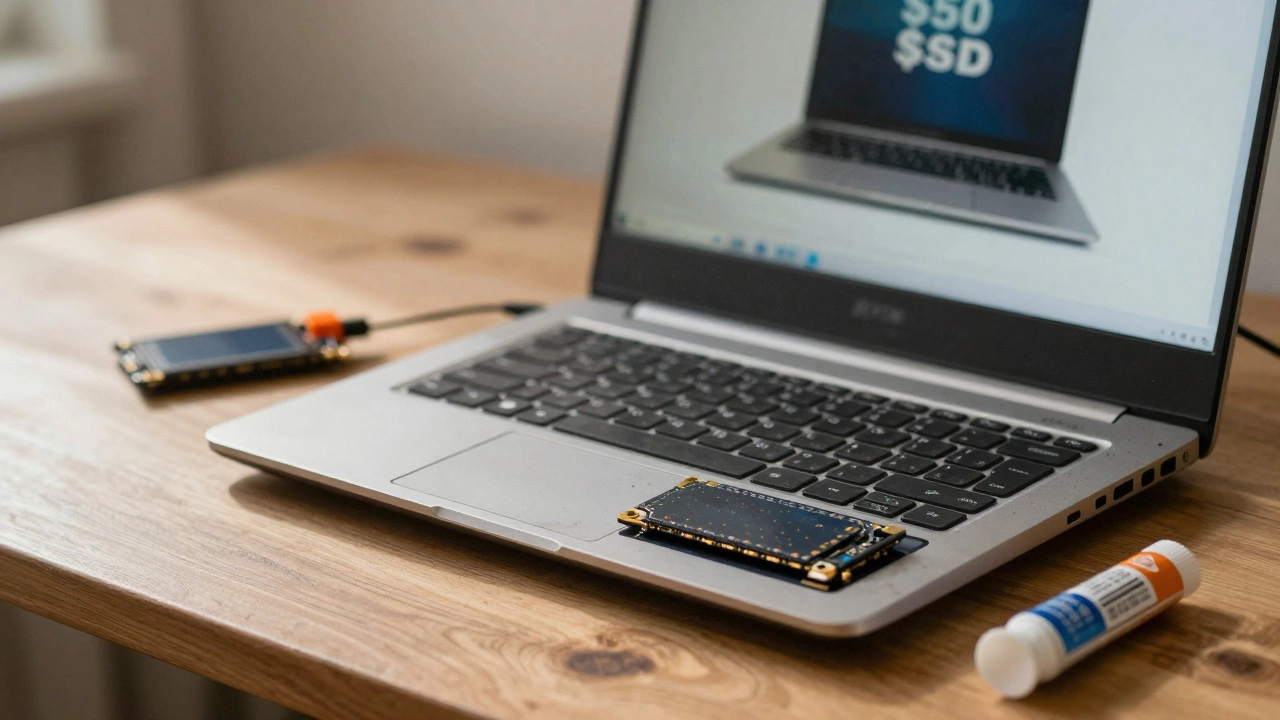
- Slow performance: If it’s just running slow, it’s probably not the hardware-it’s the software. A clean install of Windows or Linux, plus upgrading to an SSD (around $50), can bring a 7-year-old laptop back to life. I’ve seen old ThinkPads run faster after an SSD swap than some new budget laptops.
- Overheating or loud fans: Dust buildup is the #1 cause. Cleaning the vents and replacing thermal paste costs less than $30 if you do it yourself, or $80 if you pay a tech. This alone can add 2-3 more years of usable life.
- Keyboard or trackpad malfunction: Replacements for most models are under $40 online. Some people even swap in third-party keyboards from eBay or AliExpress and save 70%.
- Screen issues (flickering, dead pixels): Replacing a screen can cost $150-$300. At that point, you’re spending nearly half the price of a new entry-level laptop. Think carefully.
- Motherboard or power jack failure: If the motherboard is fried, walk away. Repair costs often exceed $400, and finding compatible parts for a 7-year-old model is a gamble. Most repair shops won’t even try.
What’s the Cost of a New Laptop?
You don’t need a $2,000 machine. For basic use-web browsing, email, Zoom calls, document editing-you can get a solid new laptop for $500-$700 in New Zealand right now. Brands like Acer, ASUS, and Lenovo have entry-level models with 12th or 13th Gen Intel or AMD Ryzen 3 processors, 8GB RAM, and 256GB SSDs. They’re quieter, lighter, and come with 1-2 years of warranty. But here’s the thing: you don’t need a brand-new one. Refurbished laptops from certified sellers (like Officeworks, JB Hi-Fi, or even eBay’s "Certified Refurbished" section) are often 40-60% cheaper. A 2-3 year old refurbished laptop with an i5, 8GB RAM, and SSD can cost $350-$450 and still have 2-3 years of solid life left. That’s cheaper than a motherboard repair.What Are You Actually Using It For?
This is the most important question. If you’re just checking email, streaming YouTube, or writing essays, a 7-year-old laptop with an SSD and fresh OS can still handle it. I know a high school teacher in Auckland who uses a 2017 Dell Latitude for grading papers. It’s slow to boot, but once it’s on, it’s fine. But if you’re doing video editing, graphic design, coding, or running multiple apps at once, that old hardware will choke. A 7-year-old laptop likely has a dual-core CPU and integrated graphics. Modern software demands at least a quad-core processor and 16GB RAM. No amount of cleaning or SSD swapping fixes that.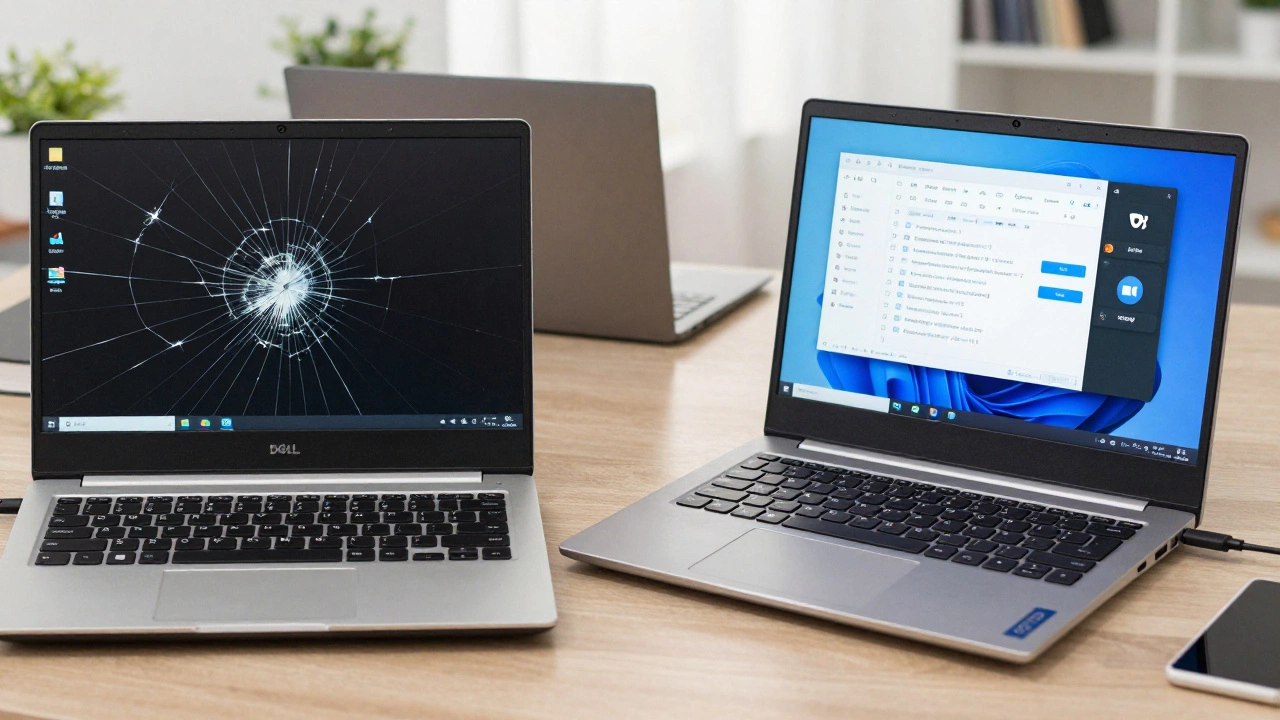
How Long Will It Last After Repair?
If you fix the battery and add an SSD, you might get another 2-3 years of decent performance. But here’s the catch: older laptops don’t get software updates. Windows 10 support ends in 2025. If your laptop is still running Windows 10, you’re already on borrowed time. Upgrading to Windows 11 requires hardware that most 7-year-old laptops don’t have. Linux is an option. Distributions like Linux Mint or Ubuntu can run smoothly on older hardware and get updates for years. But if you’re not tech-savvy, switching to Linux can feel like learning a new language. It’s powerful, but not for everyone.What’s the Hidden Cost?
Time is money. If you spend $150 fixing your laptop and it breaks again in 6 months, you’ve wasted money and time. You had to back up files, drop it off at a shop, wait days, then deal with the same frustration all over again. A new or refurbished laptop comes with warranty, pre-installed software, and no guesswork. You plug it in and go. No waiting. No risks. No second-guessing.When to Fix It
Fix your 7-year-old laptop if:- You’re on a tight budget and need something now.
- The repair cost is under $100 and fixes a simple issue (battery, SSD, cleaning).
- You’re using it for light tasks only.
- You’re comfortable doing basic maintenance or learning Linux.
- You’ve got sentimental value attached (like a gift from a family member).

When to Replace It
Replace it if:- The repair cost is over $200.
- You need modern software or security updates.
- You’re using it for work, school, or anything demanding.
- You’re tired of waiting for it to boot or restart.
- You want something reliable for the next 3-4 years without stress.
The Bottom Line
A 7-year-old laptop isn’t dead. But it’s not a long-term solution either. If the fix is cheap and simple, go for it. It’s a temporary bridge. But if you’re spending more than $150, or if your needs have outgrown it, it’s time to move on. The best value? A $400 refurbished laptop with a warranty. It’s faster, safer, and gives you peace of mind. And if you’re worried about waste, donate your old one. Many schools and charities in Auckland take old laptops, wipe them clean, and give them to students who need them.Frequently Asked Questions
Can a 7-year-old laptop run Windows 11?
Most 7-year-old laptops can’t run Windows 11 officially. Microsoft requires a TPM 2.0 chip and a 8th-gen Intel or Ryzen 2000 processor or newer. Older laptops usually have 6th or 7th-gen CPUs and no TPM 2.0. You can force-install it, but it’s unstable, unsupported, and won’t get updates. Avoid it.
Is it cheaper to repair or replace a 7-year-old laptop?
If the repair costs more than half the price of a new or refurbished laptop, replace it. For example, if a new laptop costs $500, don’t spend more than $250 on repairs. Most repairs for older models fall between $80 and $200. If you’re over $150, replacement is usually the smarter move.
Can I upgrade the RAM or CPU in my 7-year-old laptop?
RAM upgrades are possible on some models-usually up to 8GB or 16GB. But the CPU is almost always soldered to the motherboard. You can’t swap it out. Even if you upgrade RAM and add an SSD, the processor is still the bottleneck. It’s the slowest part and can’t be changed.
How long should a laptop last before replacing it?
Most laptops last 4-6 years with normal use. After 7 years, components start to fail more often, software becomes incompatible, and repair parts get scarce. The sweet spot for replacement is between 5 and 7 years-before major issues hit but while the device still has value.
What should I do with my old laptop if I replace it?
Don’t throw it out. Recycle it through an e-waste program. In Auckland, places like TechCollect and The Warehouse accept old electronics for free. You can also donate it to charities like The Salvation Army or local schools-they refurbish them for students. Always wipe your data first using a tool like DBAN or Windows’ built-in reset with "Remove everything".